 Keepgram
How it works
Open Telegram Web
Go to web.telegram.org/k and open any chat or channel you're in.
Click the button
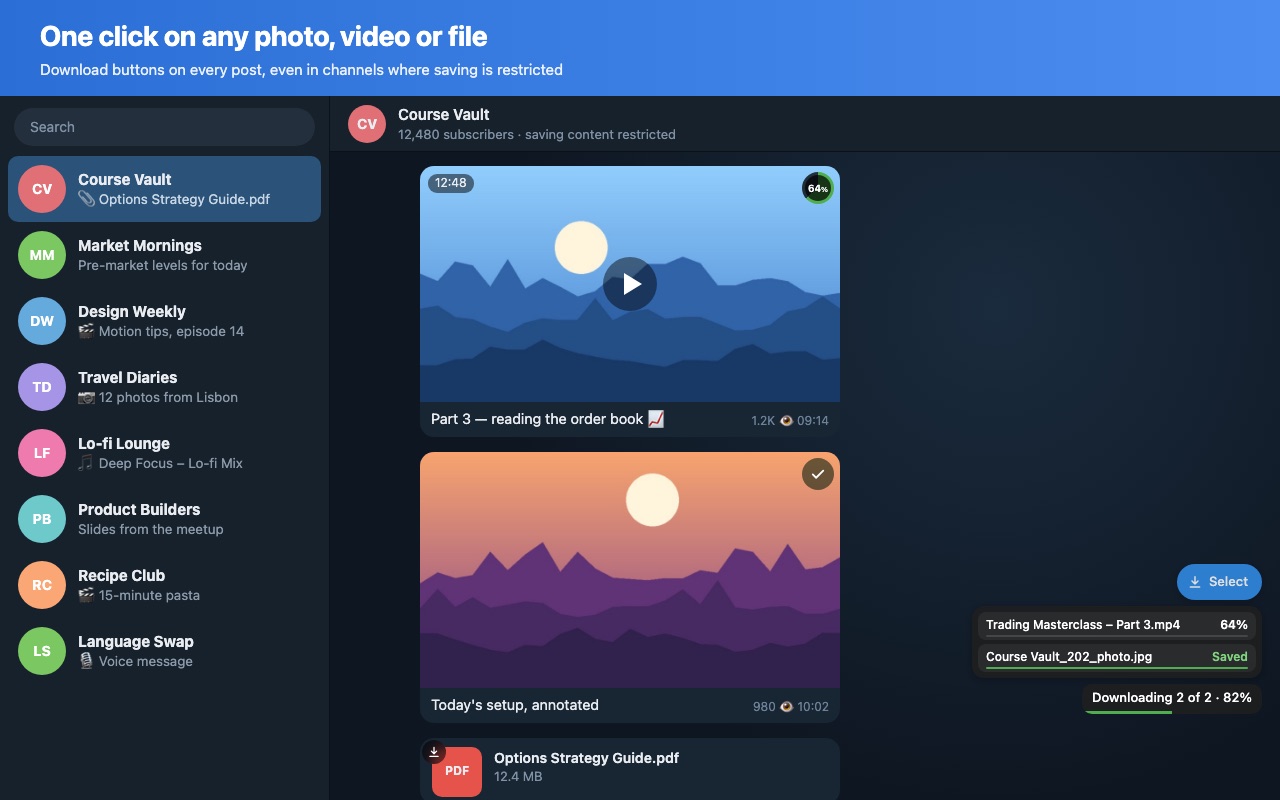
Hover a photo, video, file or song and click the download button that appears.
Or take the lot
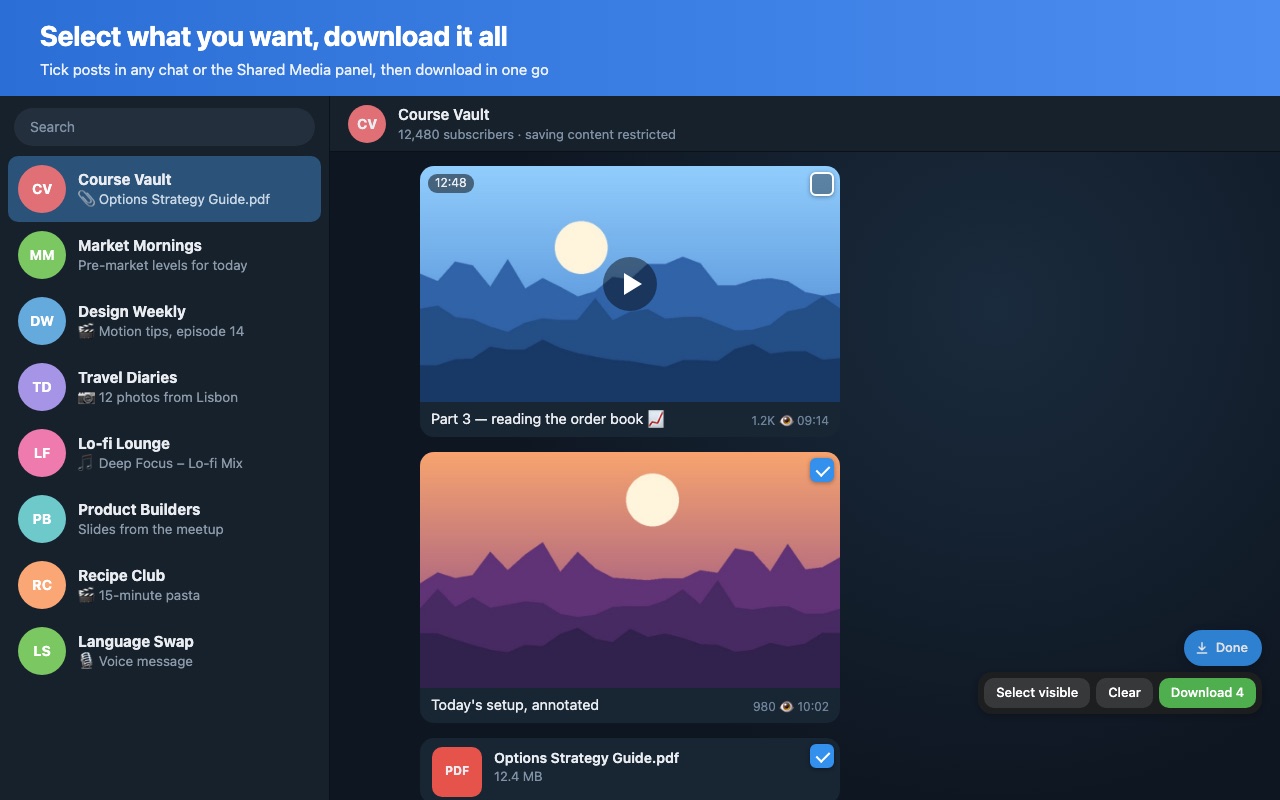
Click Select, tick what you want (or Select visible), then Download.
One click, any file
- Photos, videos, GIFs, round videos, files, music and voice messages
- Also works where saving is turned off in a channel or group
- Download from the full-screen viewer and stories too
- Keeps original file names, or chat name and message ID if you prefer
A whole chat at once
- Tick posts in any chat or the Shared Media panel
- 1 to 4 downloads in parallel
- A live percentage for every file, plus overall progress
- Your last 30 downloads listed in the popup
Questions
Is it really free?
Yes. No account, no daily limit and no premium plan. If it saves you time, you can buy me a coffee.
Does Keepgram see my messages?
No. Everything happens inside your browser. Keepgram has no server and sends nothing anywhere. See the privacy policy.
Which Telegram Web should I use?
It works best on the K version: web.telegram.org/k.
Chrome asks whether Telegram may download multiple files.
Choose Allow. Chrome asks once when a site saves several files in a row.
A very large video fails.
Big videos are put together in memory, so they need free RAM about the size of the file. Close a few tabs and try again.
Keepgram is free. If it saves you time, a coffee keeps it going.
☕ Buy me a coffeePlease only download content you have the right to keep, and respect creators' copyright. Keepgram is not affiliated with Telegram.